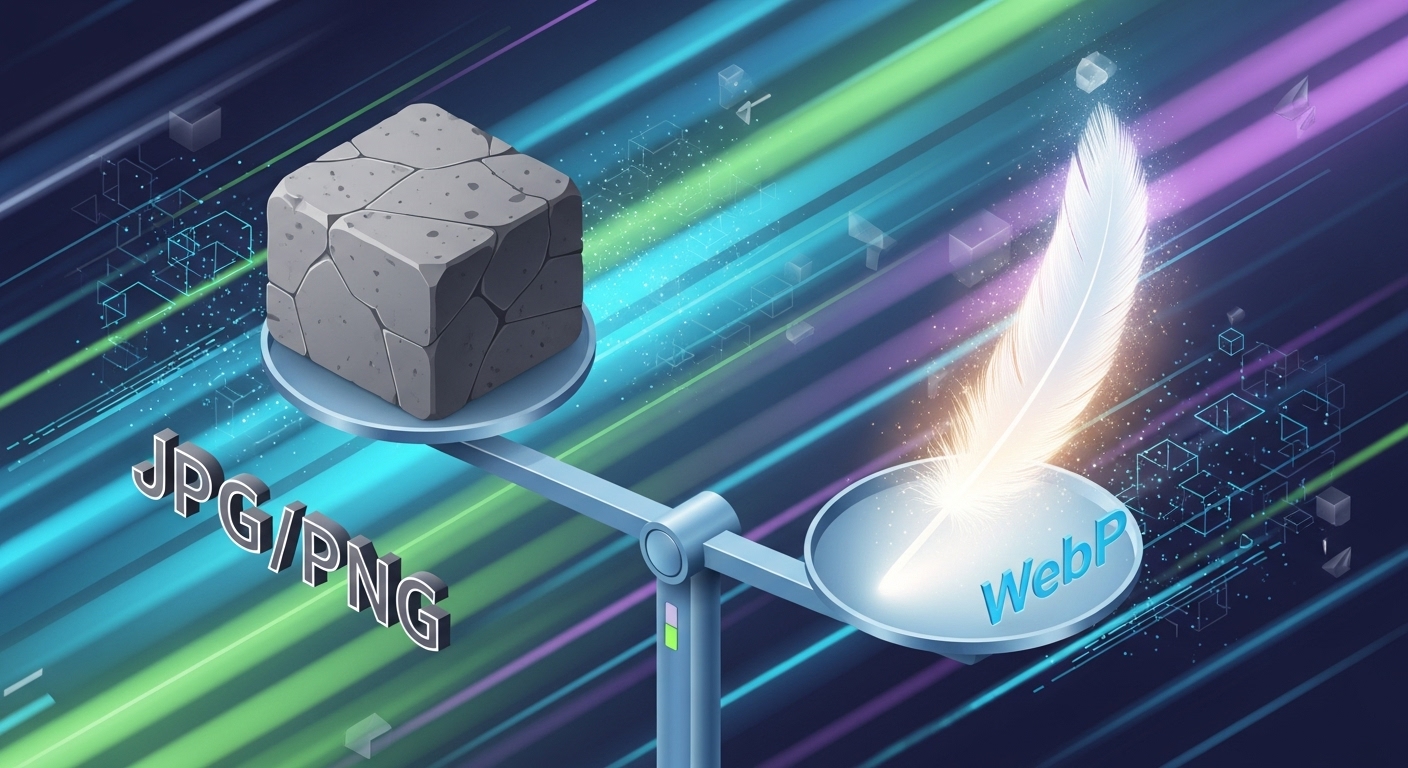
JPG vs. PNG vs. WebP: Which Image Format is Best for Websites?
When you are uploading images to your website, blog, or social media, you are likely faced with a common question: "Should I save this as a JPG, a PNG, or a WebP?"
Choosing the wrong format can result in blurry images, slow loading times, or massive file sizes that eat up your storage. In the world of SEO (Search Engine Optimization), page speed is king, and your image format plays a huge role in how fast your site loads.
In this guide, we will break down the differences between JPG, PNG, and WebP, and help you decide exactly which one to use.
1. JPG (JPEG) – The Standard for Photography
JPG (Joint Photographic Experts Group) has been the standard image format for the internet for decades. It is synonymous with "digital photos."
How it works:
JPG uses "lossy compression." This means that when you save an image as a JPG, the file strips away some unnecessary data to reduce the file size. While this makes the file much smaller, it can slightly reduce image quality if compressed too much.
-
Best For: Photographs, realistic images, and images with millions of colors.
-
Avoid For: Text-heavy images, screenshots, or images requiring a transparent background.
✅ Pros:
-
Small file sizes (great for saving space).
-
Universally supported by every browser and device.
-
Handles complex colors and gradients well.
❌ Cons:
-
No support for transparency (backgrounds are always solid).
-
Text and sharp lines can look pixelated or "fuzzy" due to compression.
2. PNG (Portable Network Graphics) – The Quality King
PNG was created to improve upon the older GIF format. It is famous for its ability to handle transparent backgrounds.
How it works:
PNG uses "lossless compression." This means that when you save or compress a PNG, no image quality is lost. Every pixel remains exactly as it was. However, keeping all that data means PNG files are usually much larger than JPGs.
-
Best For: Logos, icons, screenshots, charts, and any image requiring a transparent background.
-
Avoid For: High-resolution photographs (the file size will be huge).
✅ Pros:
-
Supports Transparent Backgrounds (Alpha Channel).
-
Crisp, sharp edges (perfect for text and logos).
-
No quality loss when saving.
❌ Cons:
-
File sizes can be very large (slowing down websites).
3. WebP – The Modern Speedster
WebP is a modern image format developed by Google specifically for the web. It is designed to replace both JPG and PNG.
How it works:
WebP combines the best of both worlds. It offers the high compression of JPG (small file size) with the transparency and quality of PNG. According to Google, WebP images are 26% smaller than PNGs and 25-34% smaller than JPGs, with the same visual quality.
-
Best For: Almost everything on a website. It is the preferred format for modern SEO.
-
Avoid For: If you need to send a high-quality file to a designer for printing (stick to TIFF or PNG for that).
✅ Pros:
-
Extremely small file sizes (fastest loading).
-
Supports Transparency (like PNG).
-
Preferred by Google for better SEO rankings.
❌ Cons:
-
Some very old browsers (like Internet Explorer) do not support it, though all modern browsers do.